Appearance
2. Make the face blink
Turn the face into a two-frame animation. The open-eye frame lasts 800 milliseconds; the closed-eye frame lasts 200 milliseconds.
Before you start: Continue from Draw your first pixel face, or download pixel-face.pvc and open it through File → Open project….
Time: about 5–10 minutes. Screenshots show the dark desktop interface; click them for full size.
1. Set the first frame's duration
Select the first thumbnail. Open Frame options and change ms to 800, then click outside the menu.
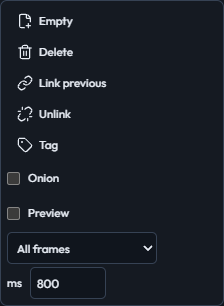
Frame options show an 800 ms duration for the first frame.
2. Copy the frame
Click + Frame. This copies the artwork into a second frame and selects it.
3. Keep the frames independent
Open Frame options → Unlink, then reopen Frame options and set ms = 200. Editing the second frame should leave the first frame unchanged.
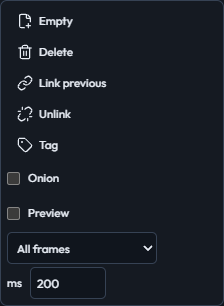
Frame options show a 200 ms duration after copying and unlinking the second frame.
4. Paint over the open eyes
Keep Pencil and Brush = 1. Set FG = #facc15 and paint over (5, 5)–(5, 6) and (10, 5)–(10, 6). Use yellow rather than the eraser so the face stays opaque.
5. Draw the closed eyes
Set FG = #182131. Draw a horizontal line from (4, 6) to (6, 6) and another from (9, 6) to (11, 6).
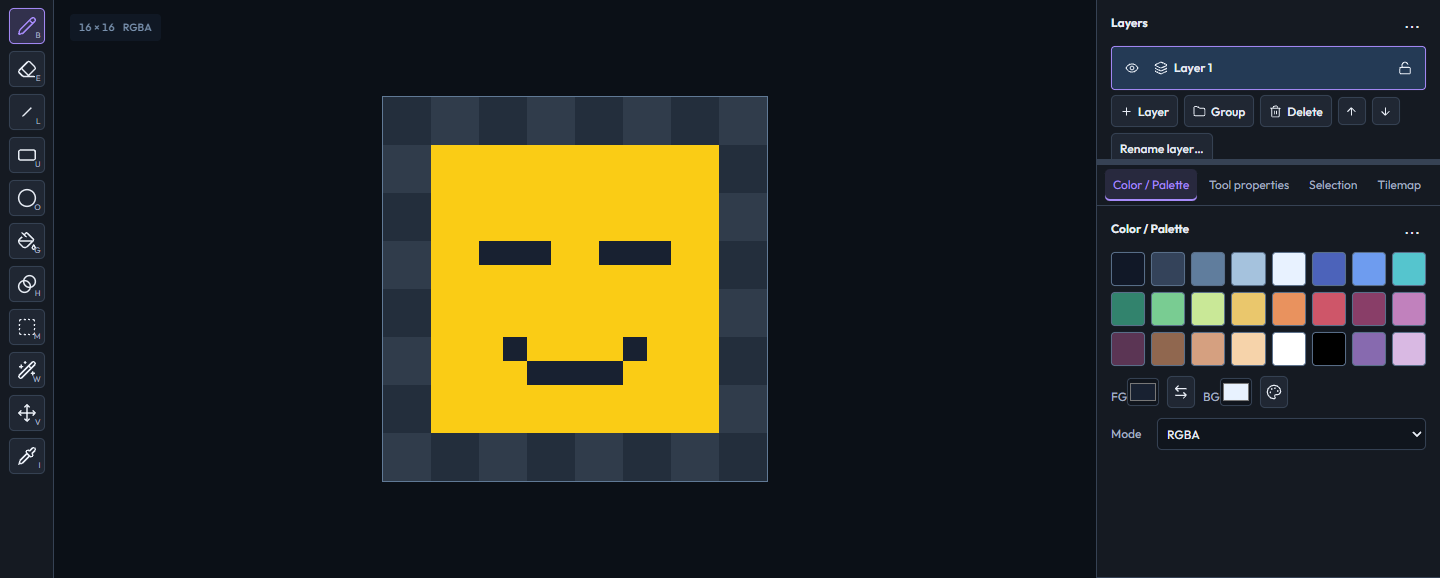
Horizontal dark lines replace the open eyes on the second frame.
6. Compare the two frames
Click each thumbnail in turn. Frame 1 should still have vertical eyes; frame 2 should have horizontal closed eyes.
7. Preview playback
Enable Frame options → Preview, then click Play. The face should pause with its eyes open and blink briefly. Click Stop to stop playback.
8. Save the animation
Select frame 2 and click Save project. Keep the download as blinking-face.pvc.
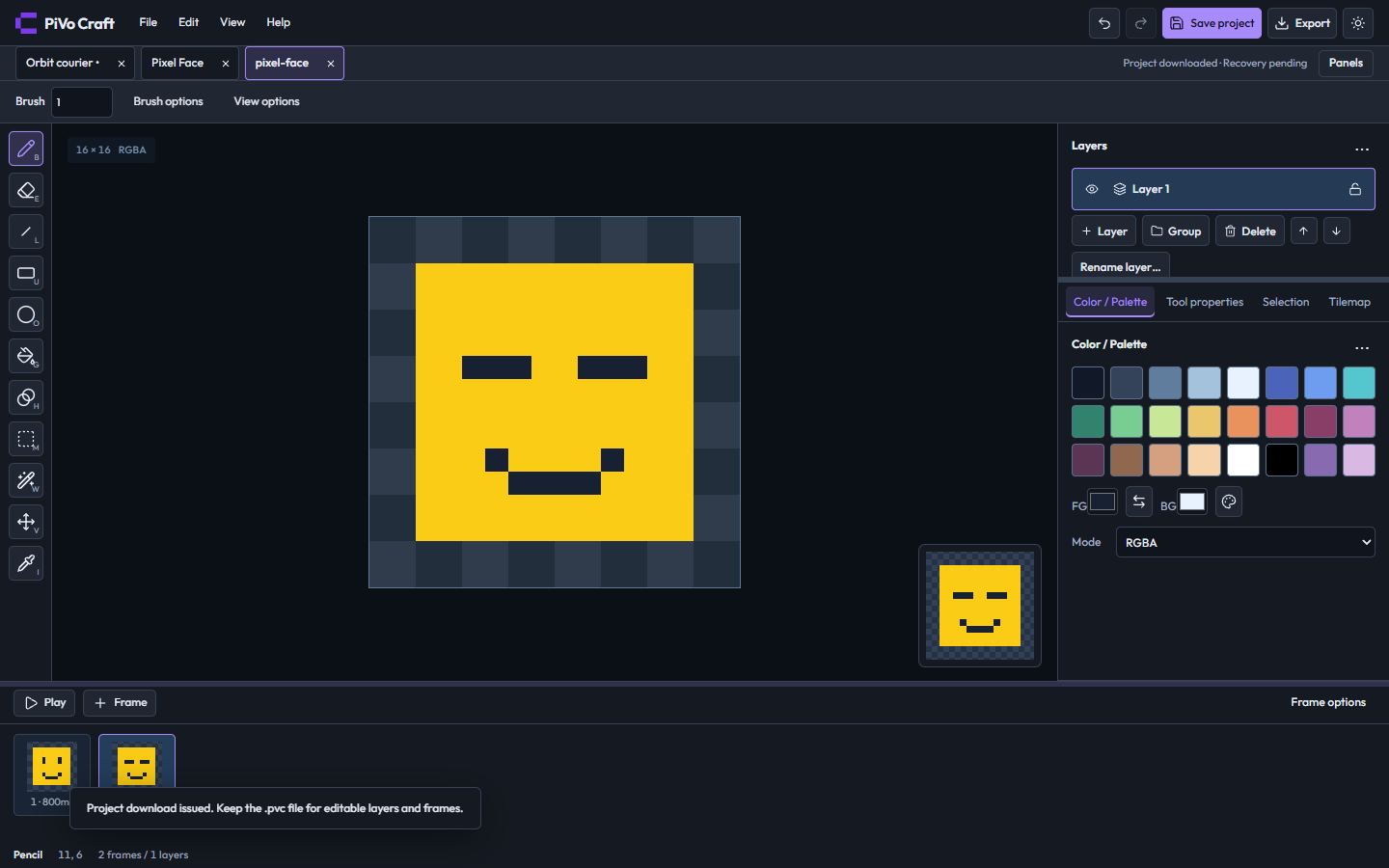
Two frame thumbnails and the preview show the finished blinking animation.
Finished result
Two independent frames with an 800 ms open-eye pose and a 200 ms closed-eye pose.
Download the finished project.
If something looks different
If both frames change together, undo the edit, select frame 2, and use Frame options → Unlink before drawing again. Duration is in milliseconds, so enter 800 and 200, not 0.8 and 0.2.
Previous: 1. Draw your first pixel face · Next: 3. Save and export your artwork